
How to Install Kali Linux on Windows and Mac (Complete Beginner Guide 2026)
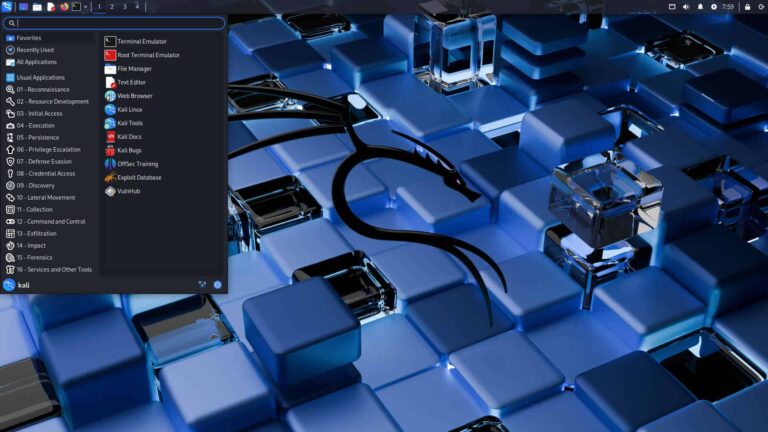
How to install Kali Linux on Windows and Mac: Install Kali Linux on Windows or Mac using virtualization (recommended) or as a bare-metal bootable USB. For Windows, use VMware/VirtualBox. For Mac, use UTM/Parallels. Download the ISO from Kali.org and create a bootable USB using Rufus. To install Kali Linux, download the ISO image from kali.org and use a tool like Rufus to create a bootable USB drive. Boot your computer from the USB, select “Graphical Install,” follow the prompts to configure language, network, and user account, and partition the disk (using “Guided—use entire disk” for a clean install). root@kali:~# $ sudo apt update Reading package lists… Done root@kali:~# _ ▌ How to InstallKali Linux Windows & Mac Guide CYBERSECURITY PENETRATION TESTING ┌──(root㉿kali)-[~] └─# nmap -sV 192.168.1.1 Starting Nmap 7.94 scan… PORT STATE SERVICE 22/tcp open ssh …